14.10 Skills Workshop Notes: Recording work

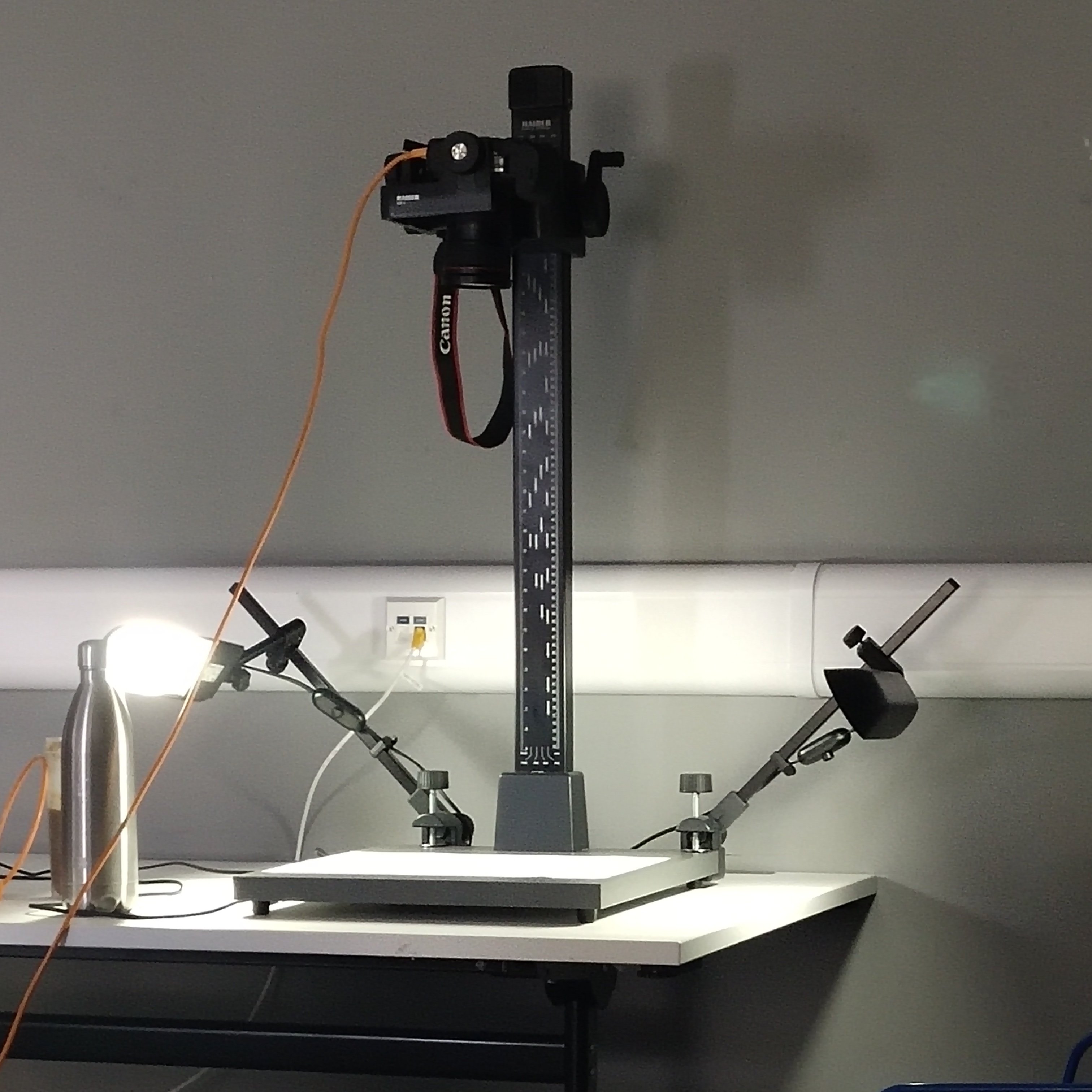
copy stand could move to Scanners could let the camera take a overshoot

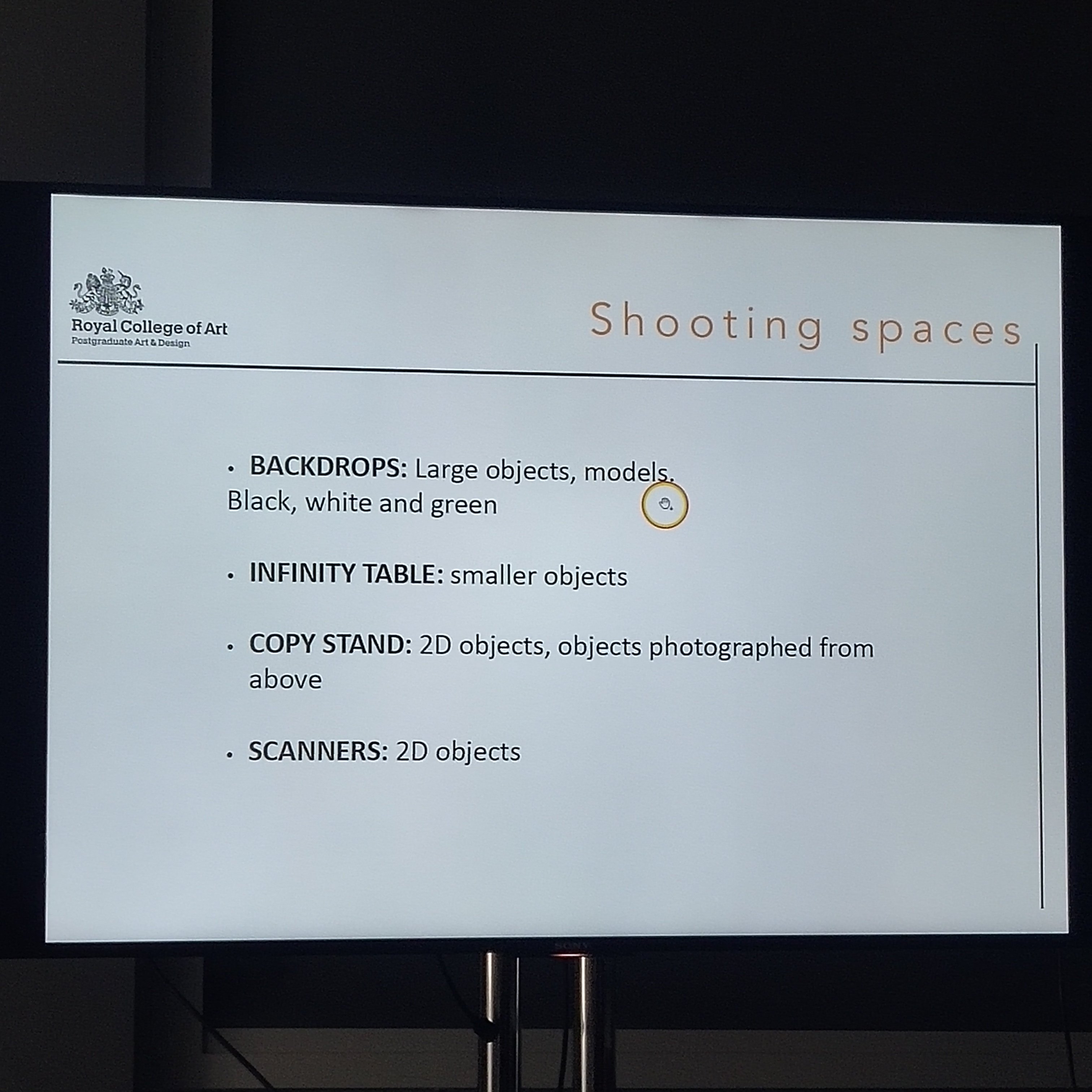
Backdrops: if it is less find Linda

little things (small object)
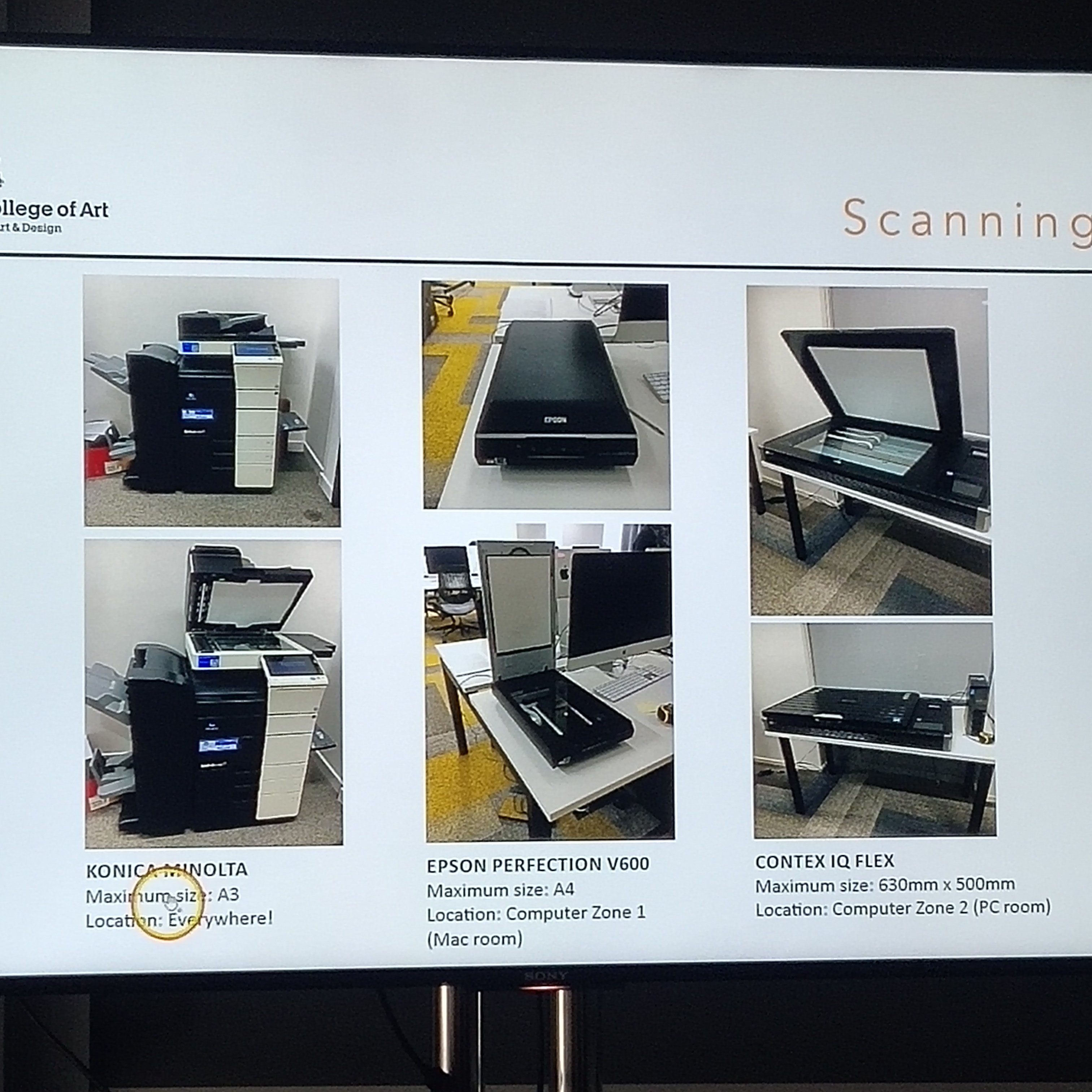
could scan our sketchbook very well

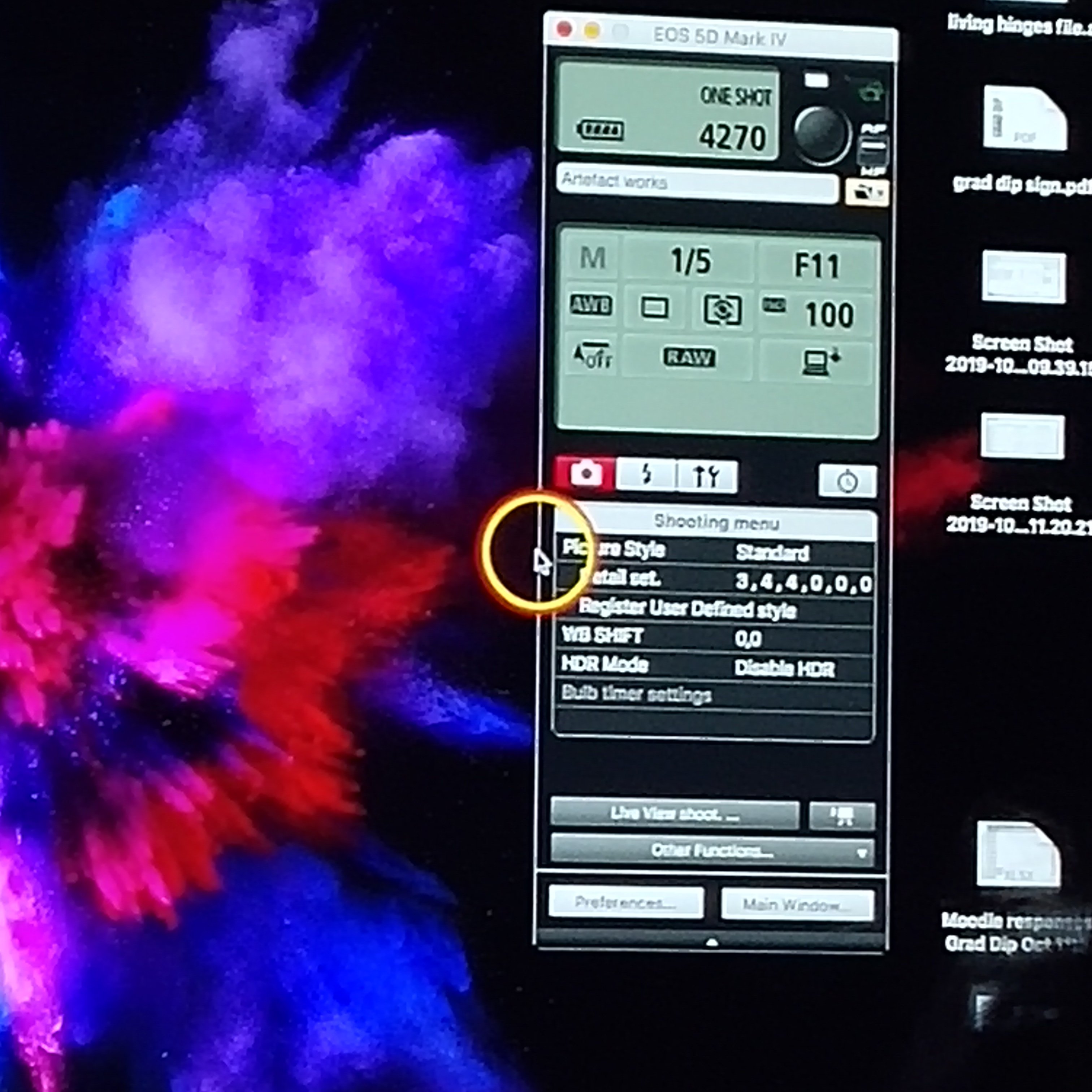
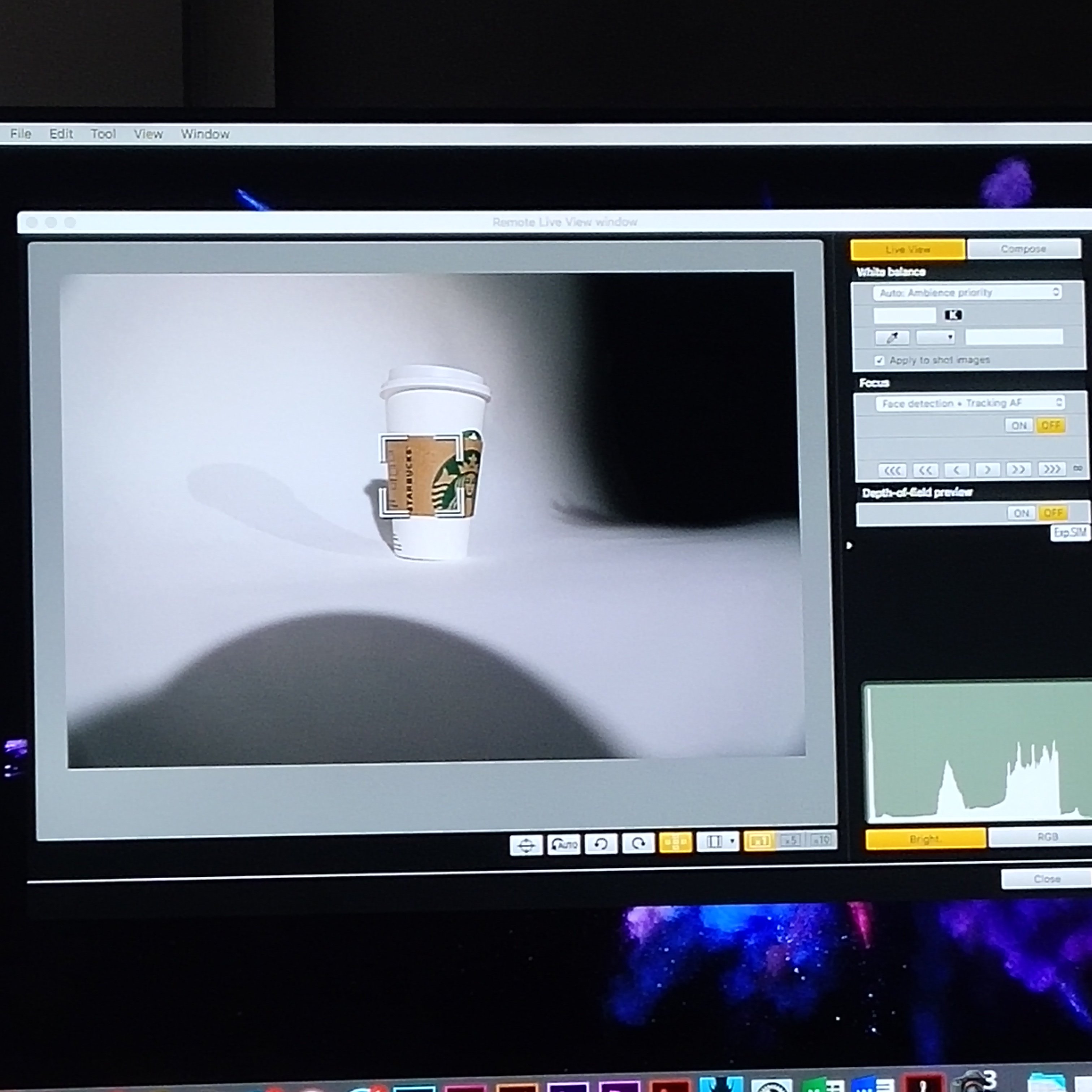
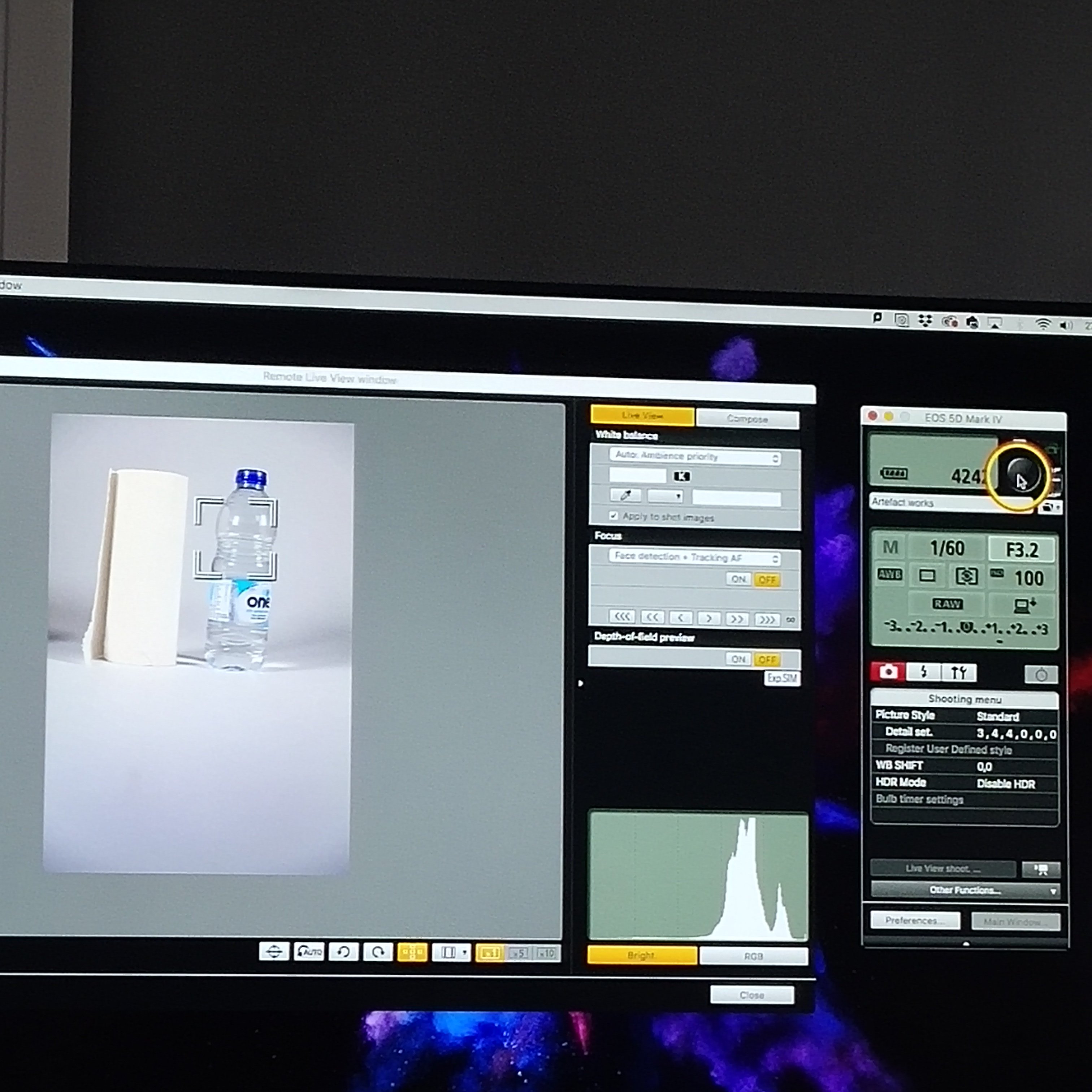
tethering: lightroom or cannon EOS unity
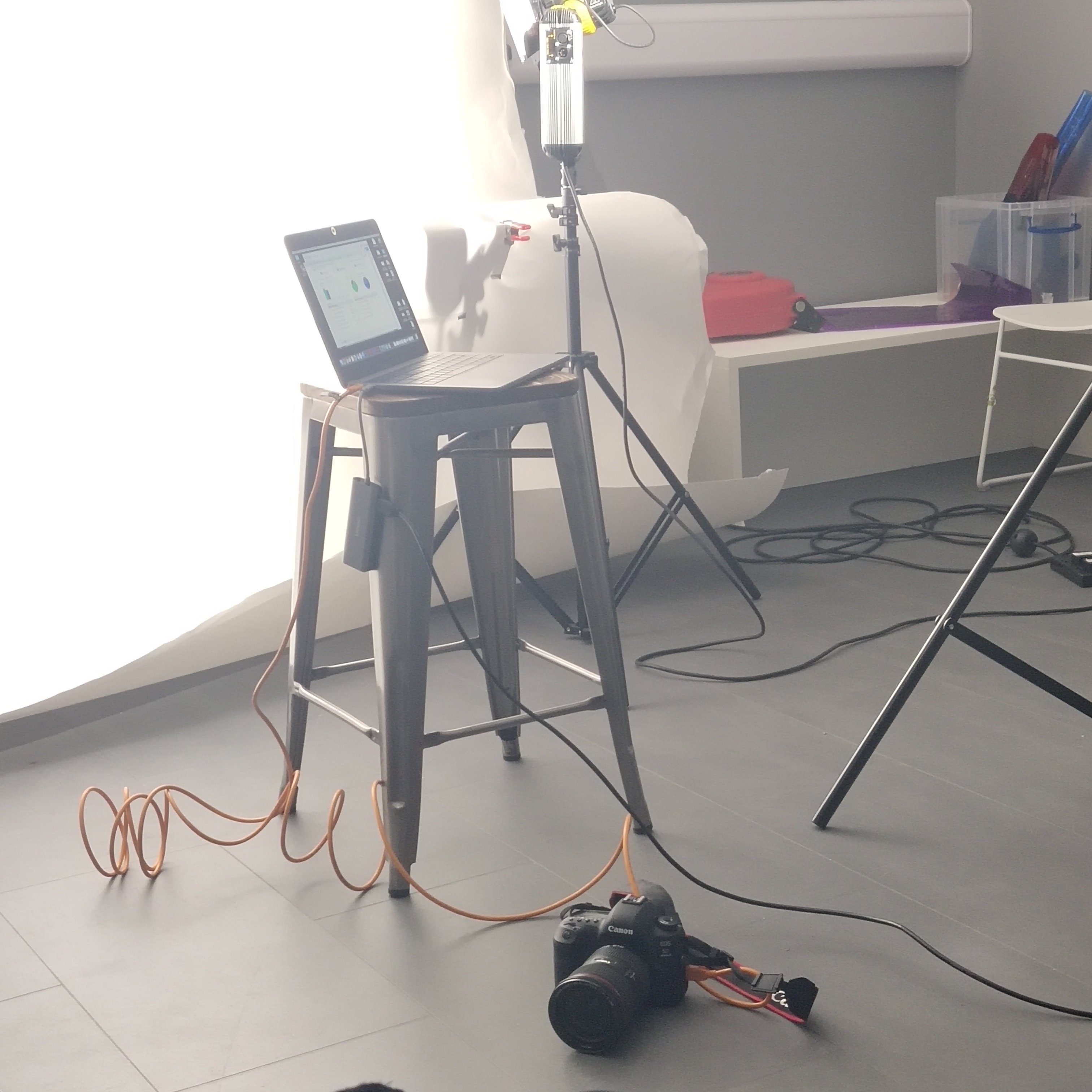
choose the save place
2.K-white balance 3.check the image quality: RAW/if the JPEG is you don’t have PS or lightroom to open
4.ISO: if you don’t know normally 100
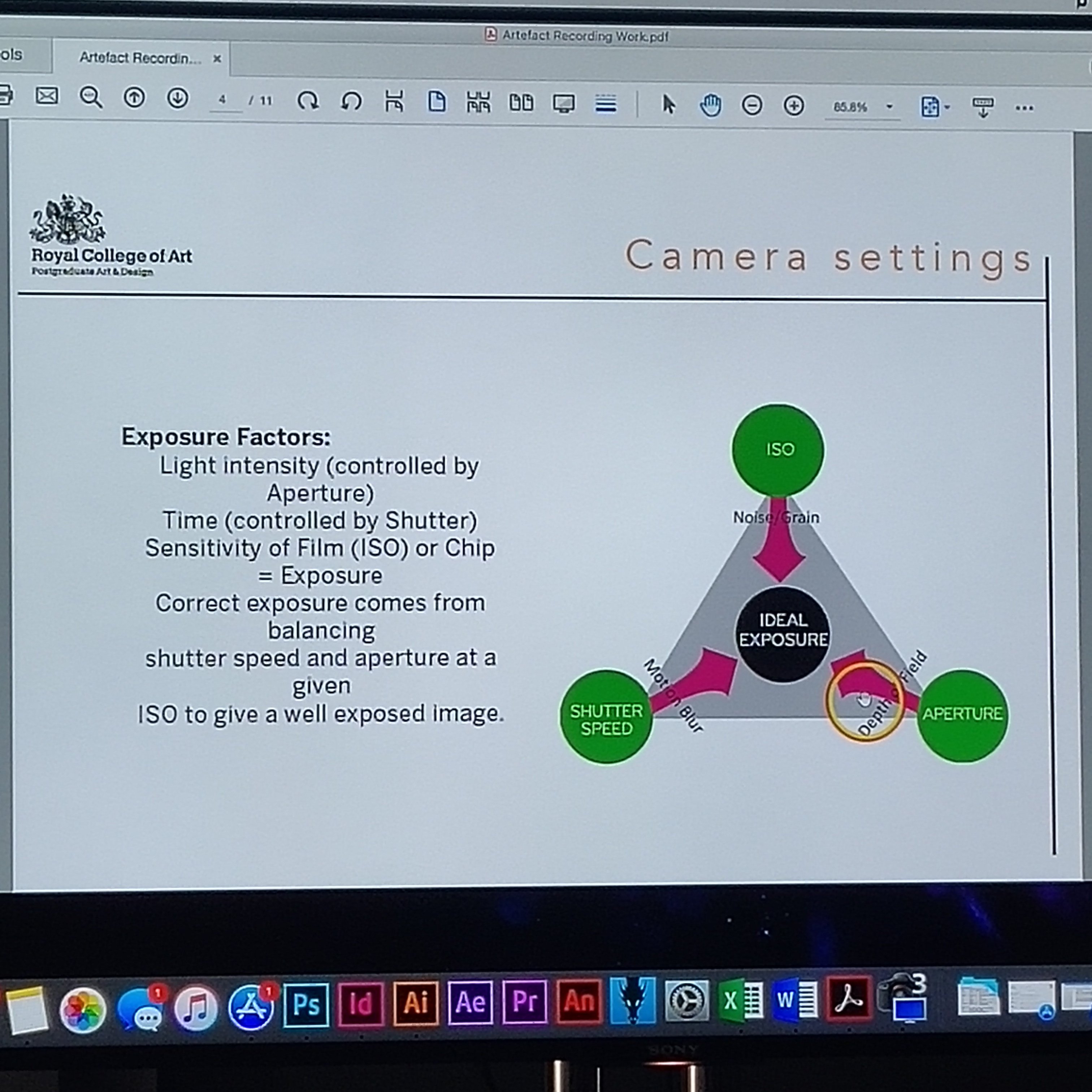
ISO: how sensitive the light change(normally 100)
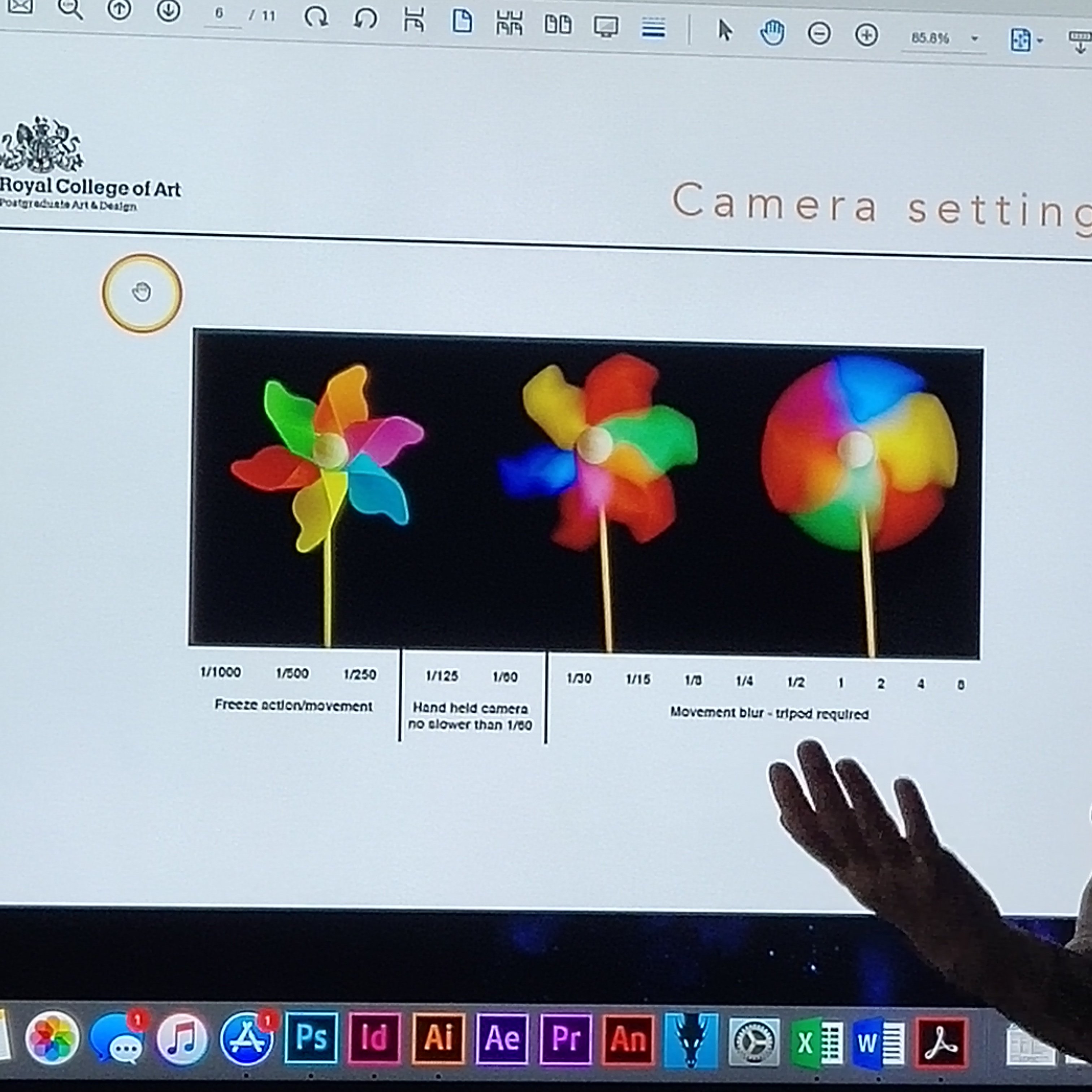
change the speed to catch the object movement more not my movement
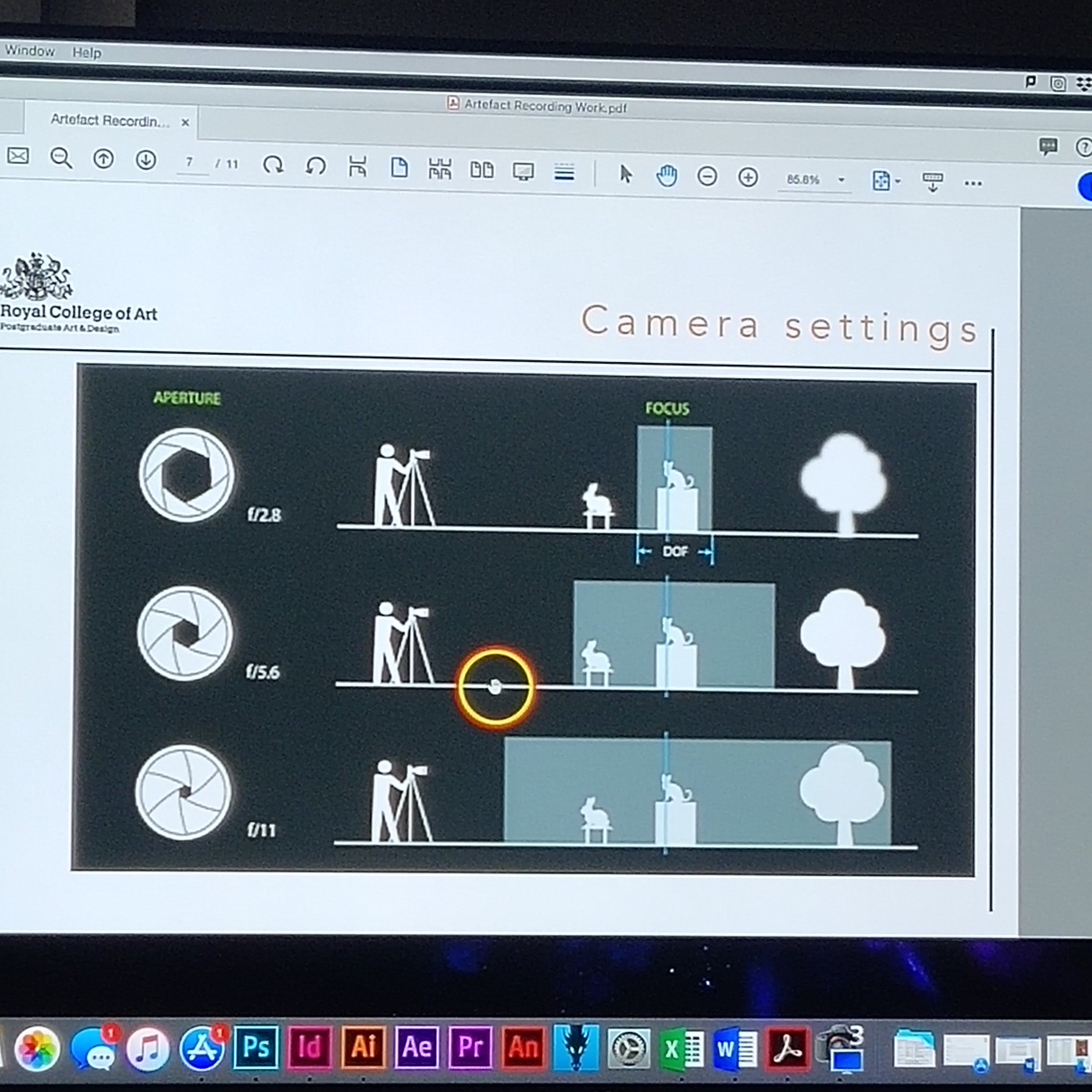
aperture is to clarify the object area more wider more short distance
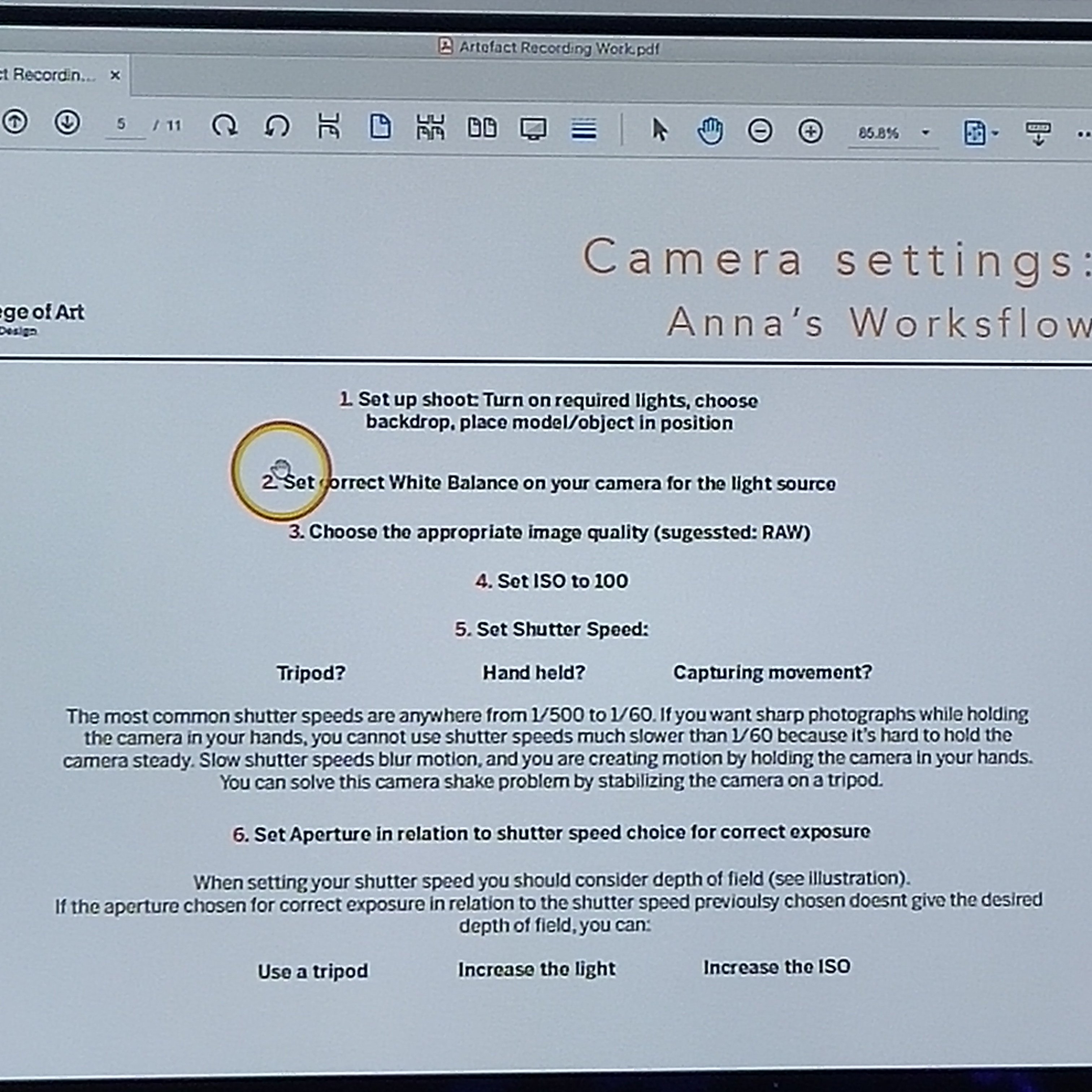
Anna’ workflow
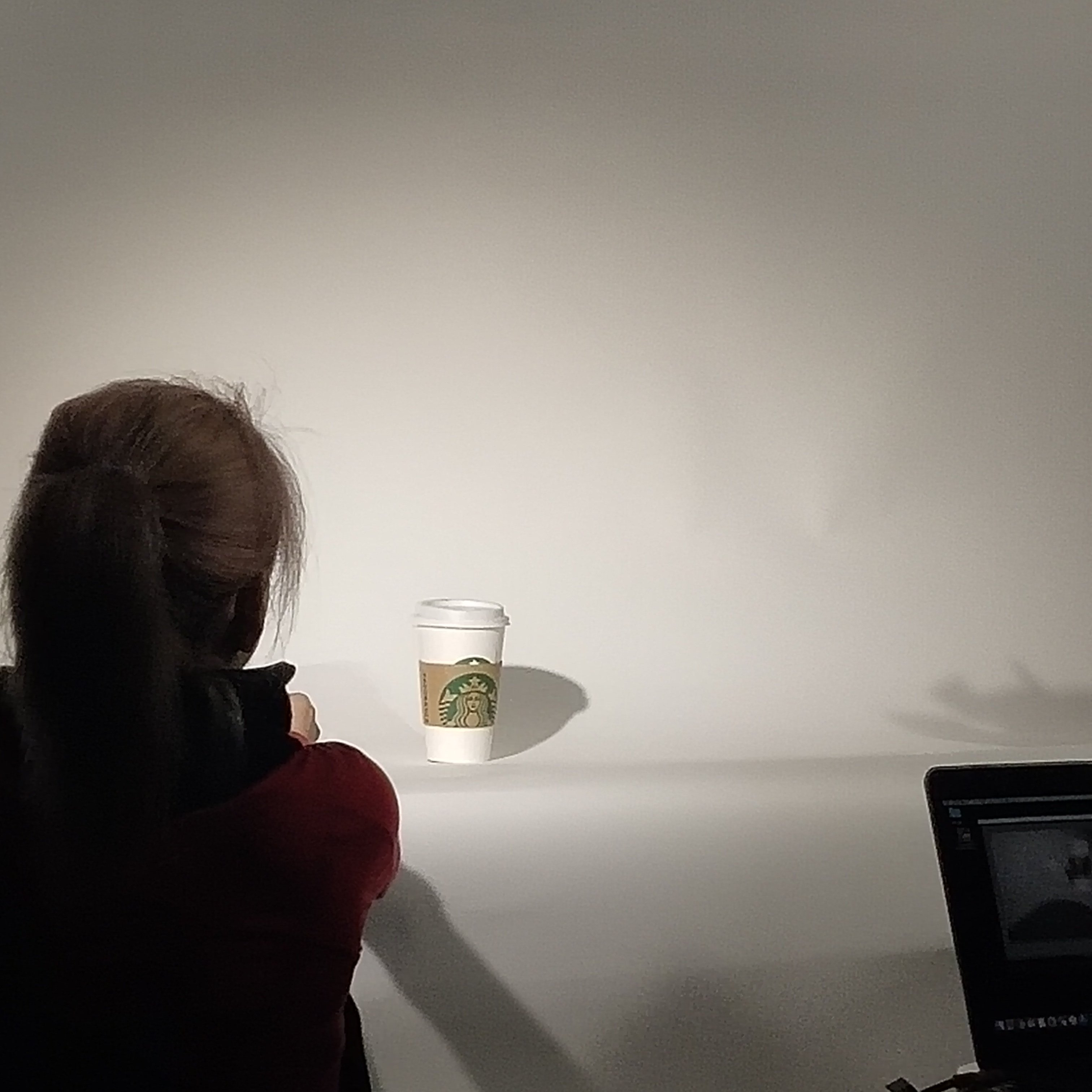
use computer take photo
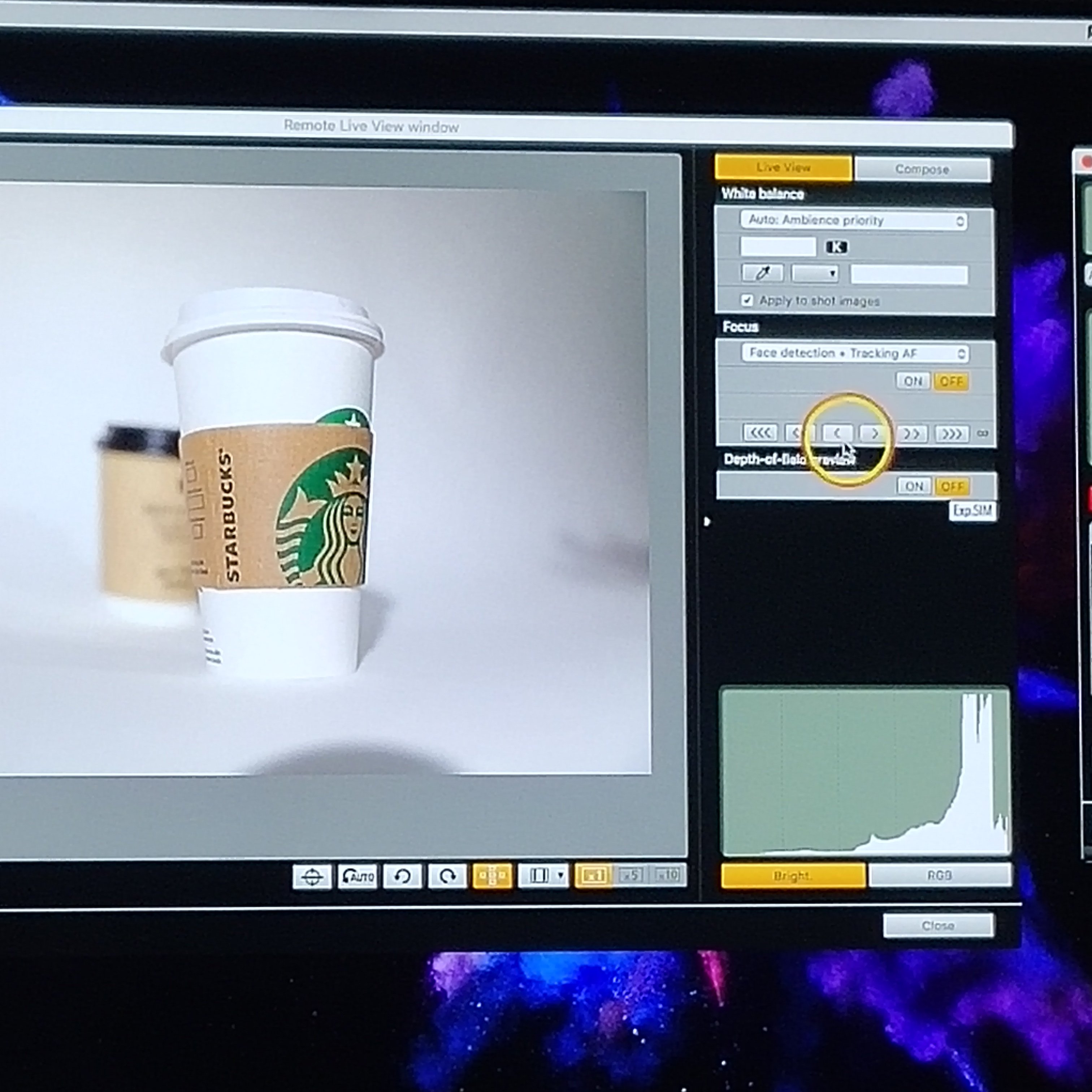
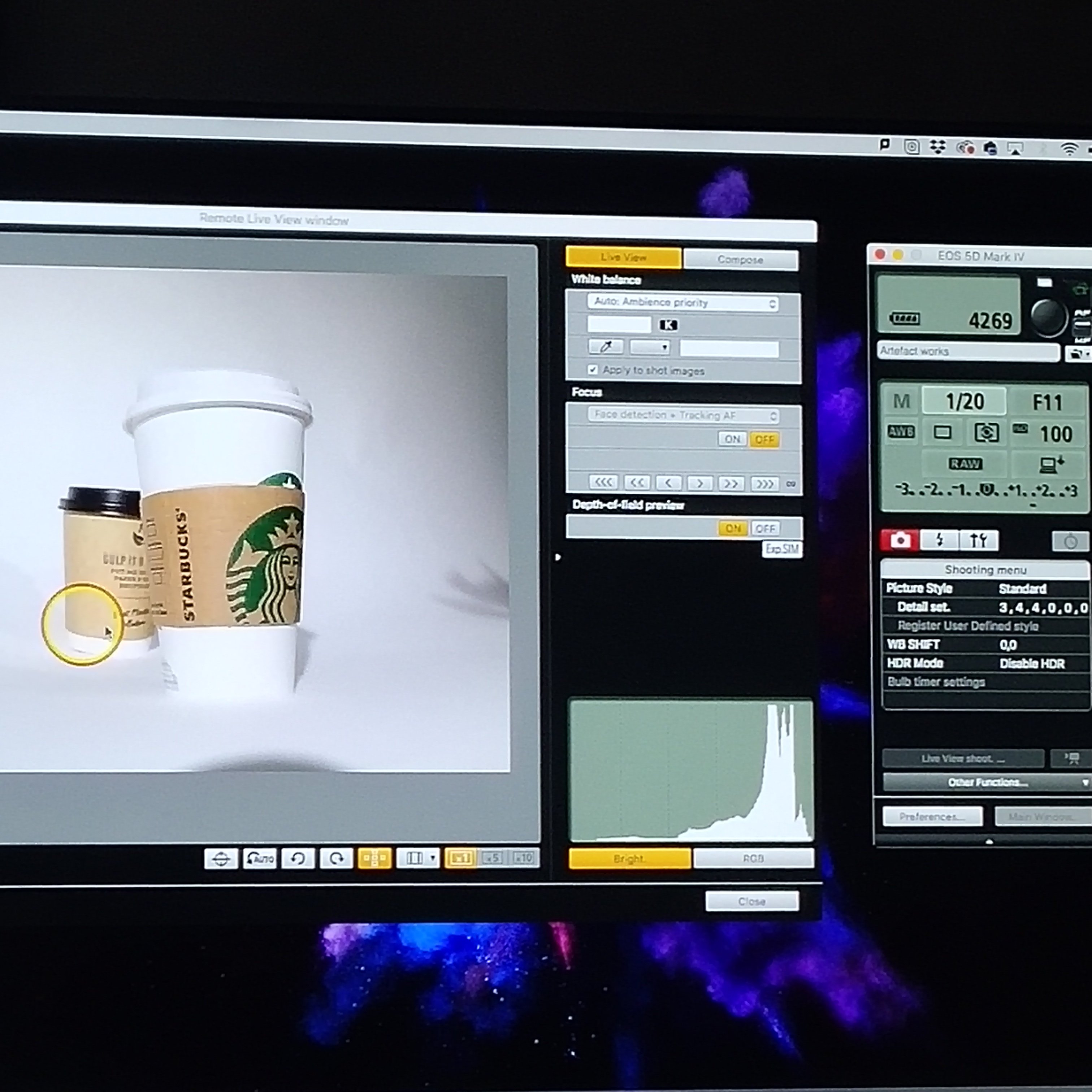
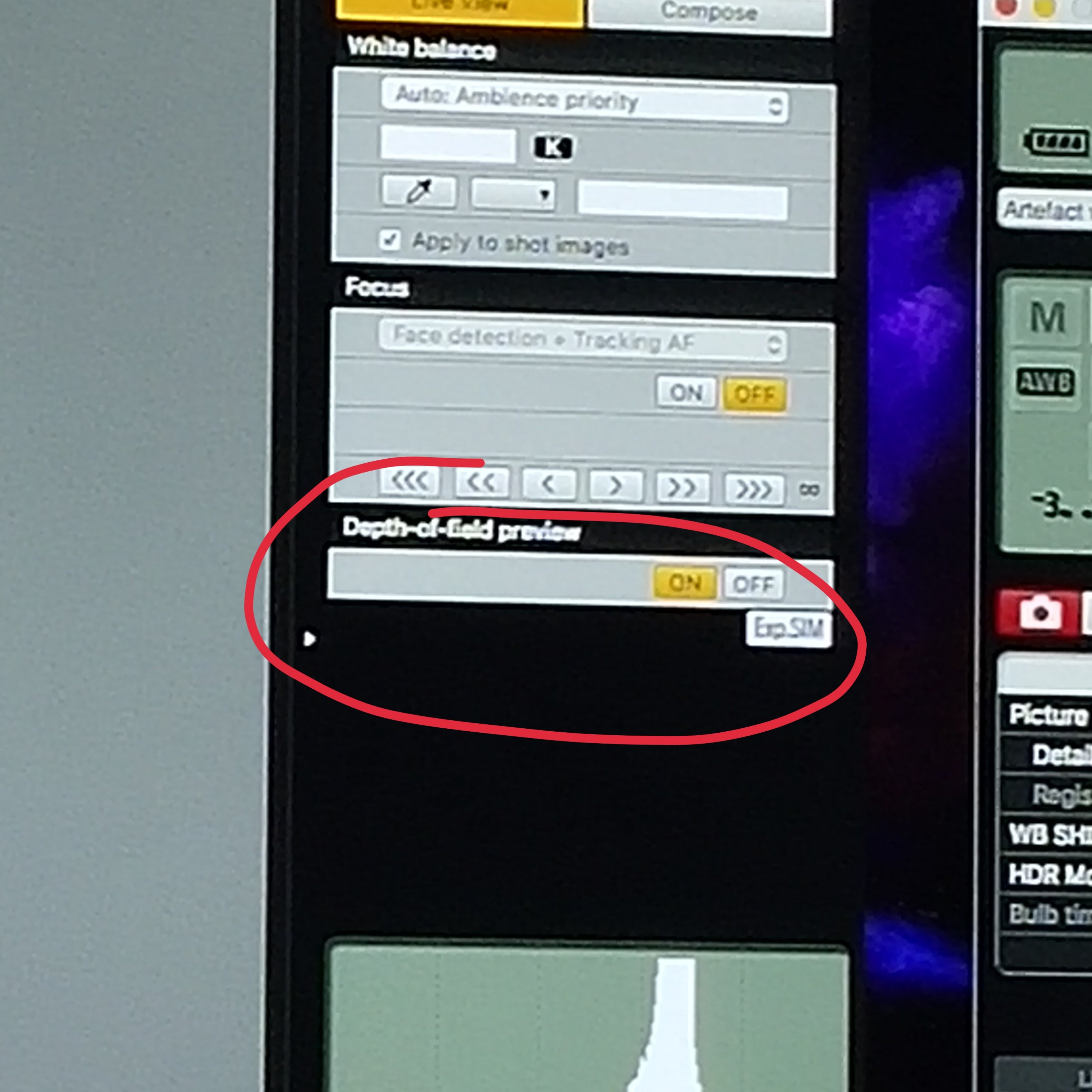
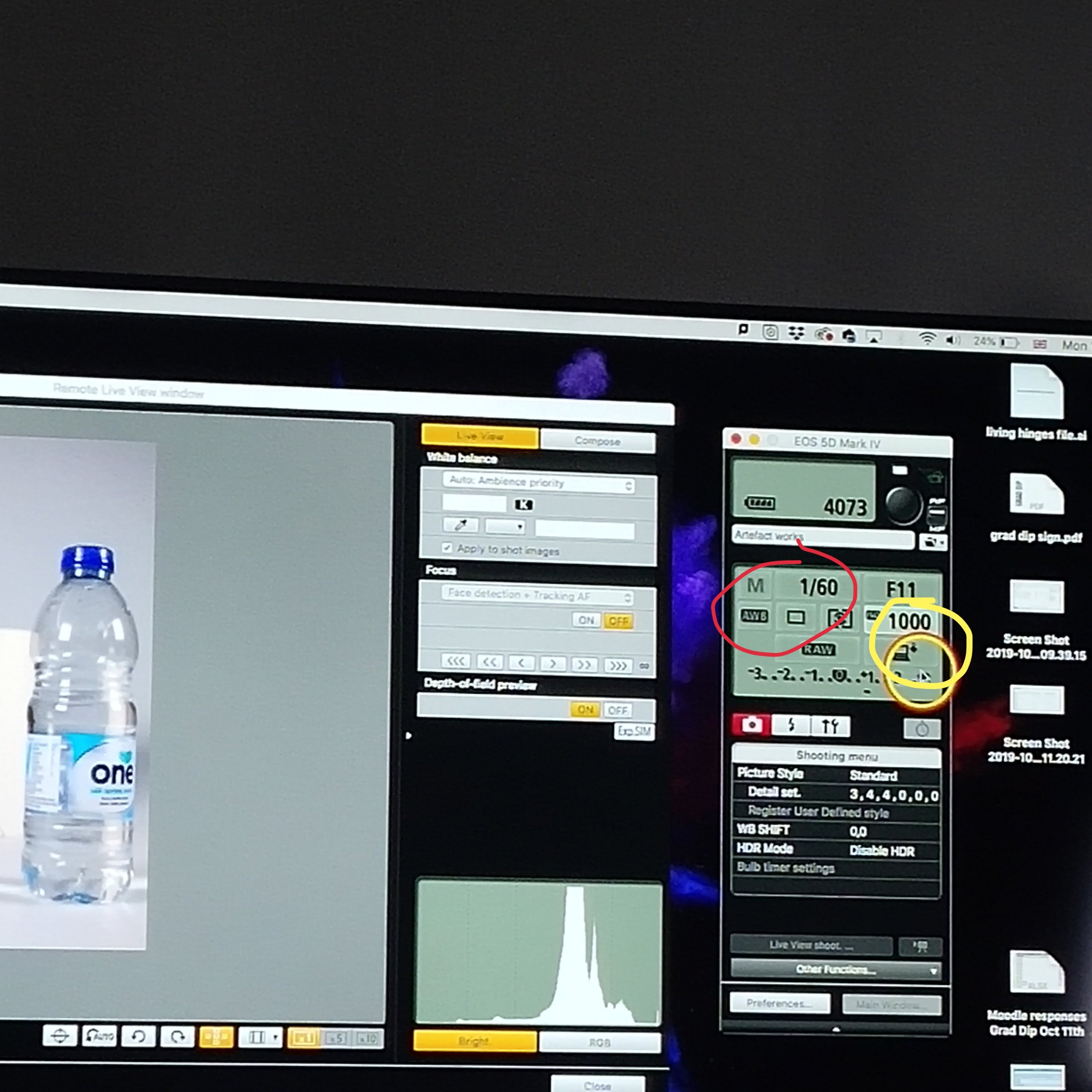
change the aperture(depth the filed) now is F11 we can catch them all clearly
lowest 1/60 suitable for tripod (for this no hand hold not good)
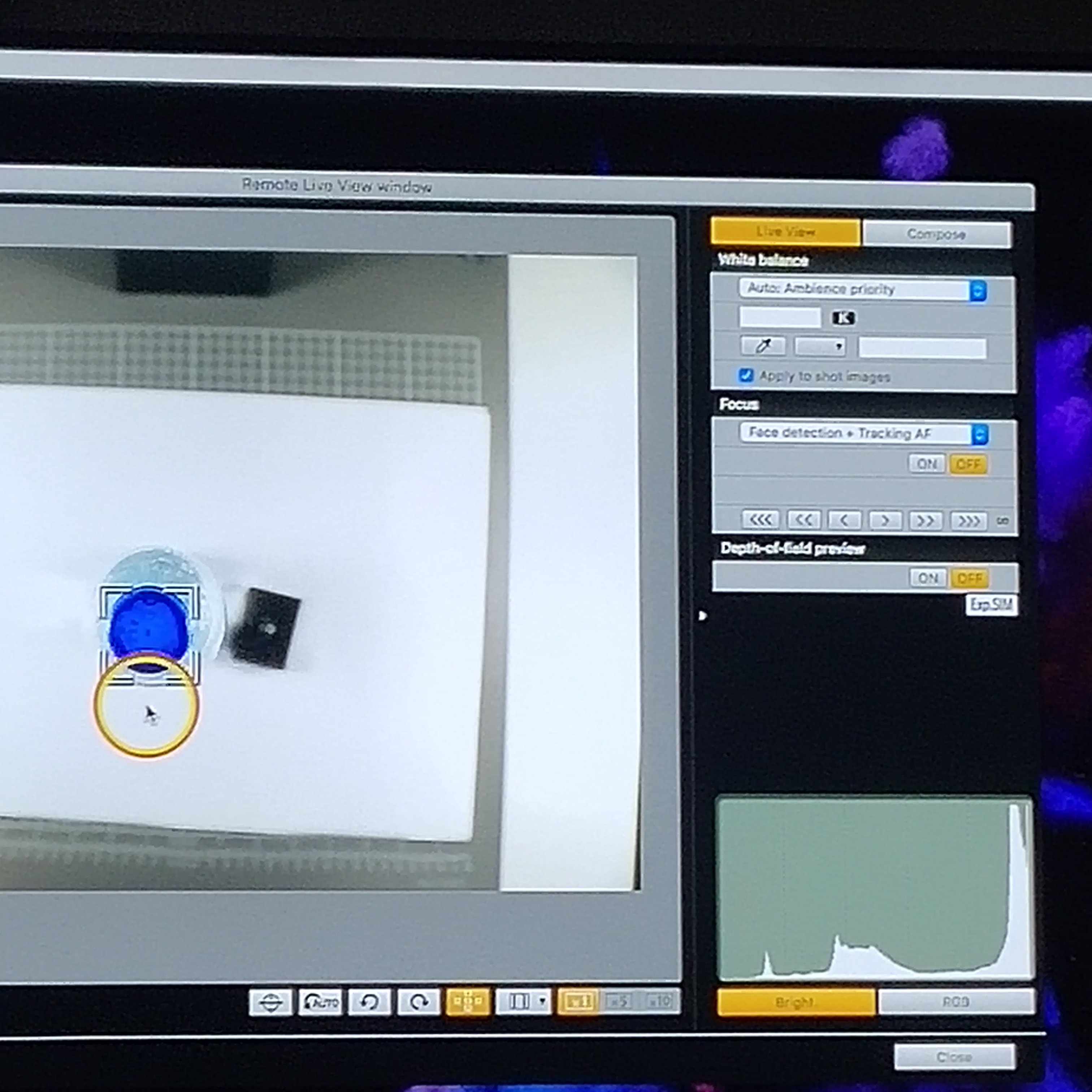
double click to focus the objects
if we want the aperture but thelight not enough light so we could change the white balance(now is 1000)
Copy stand
if something is tall other stuff is lower to catch them all clearly change the aperture
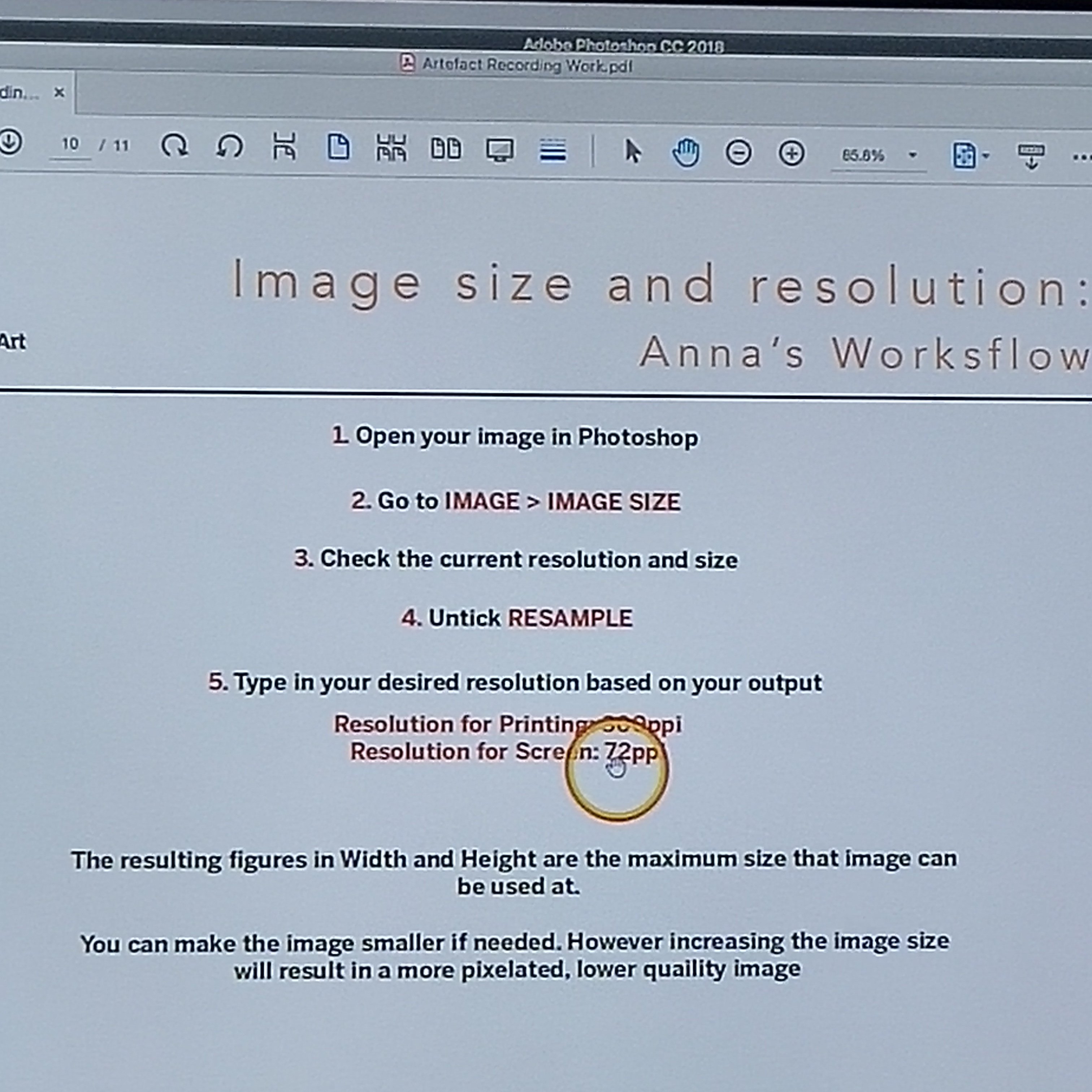
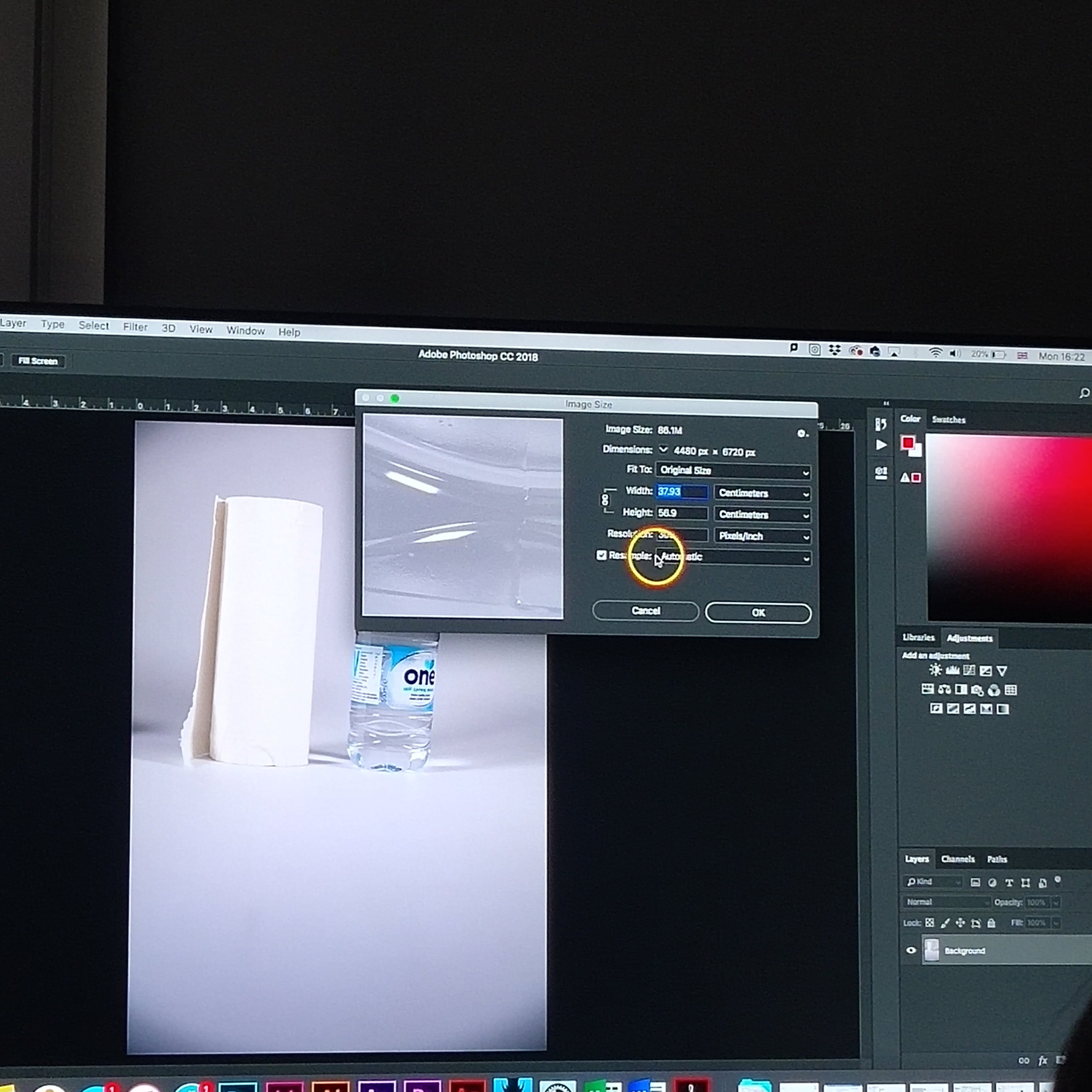
image size and resolution
if want this be digital file need to change the resolution
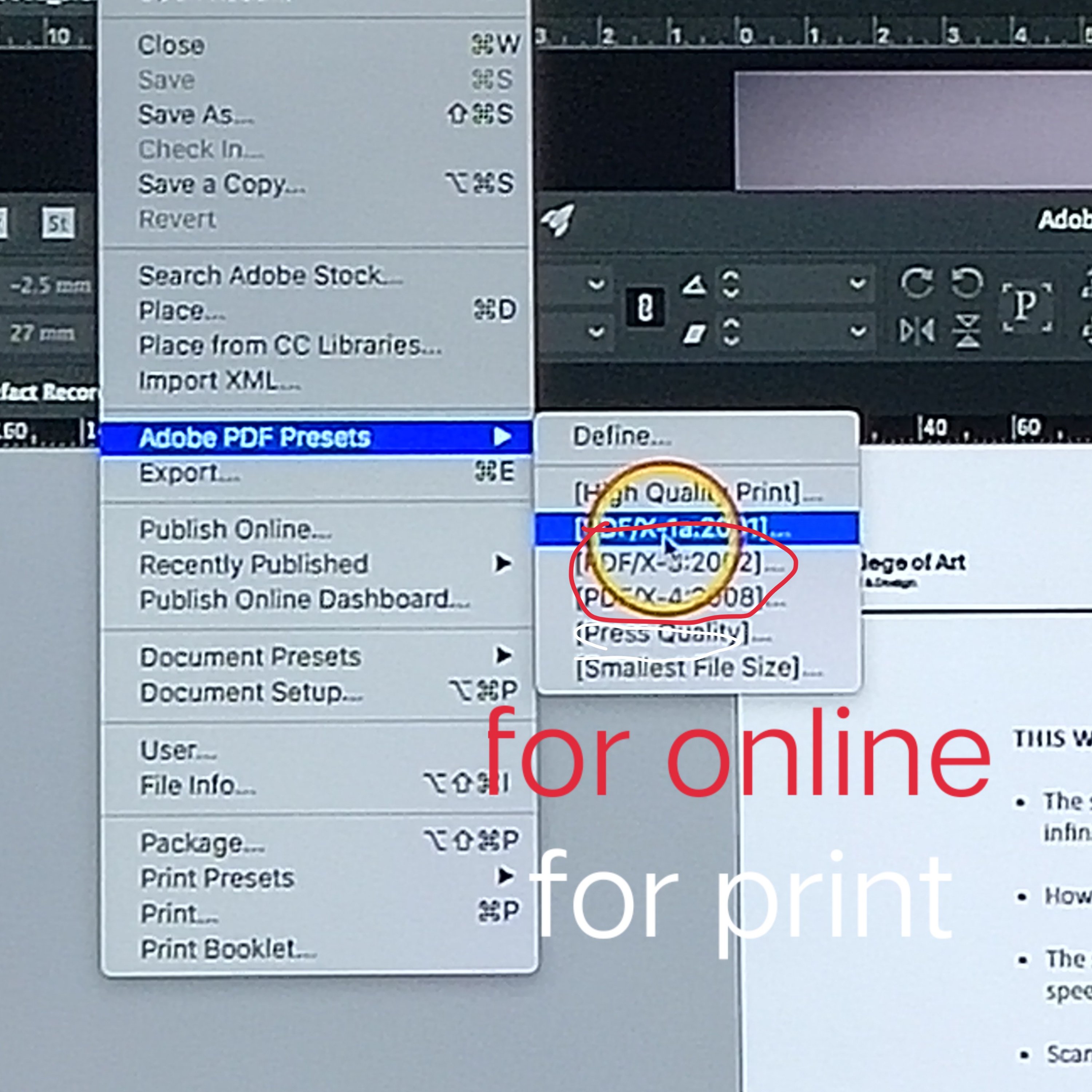
Ai save as PDF
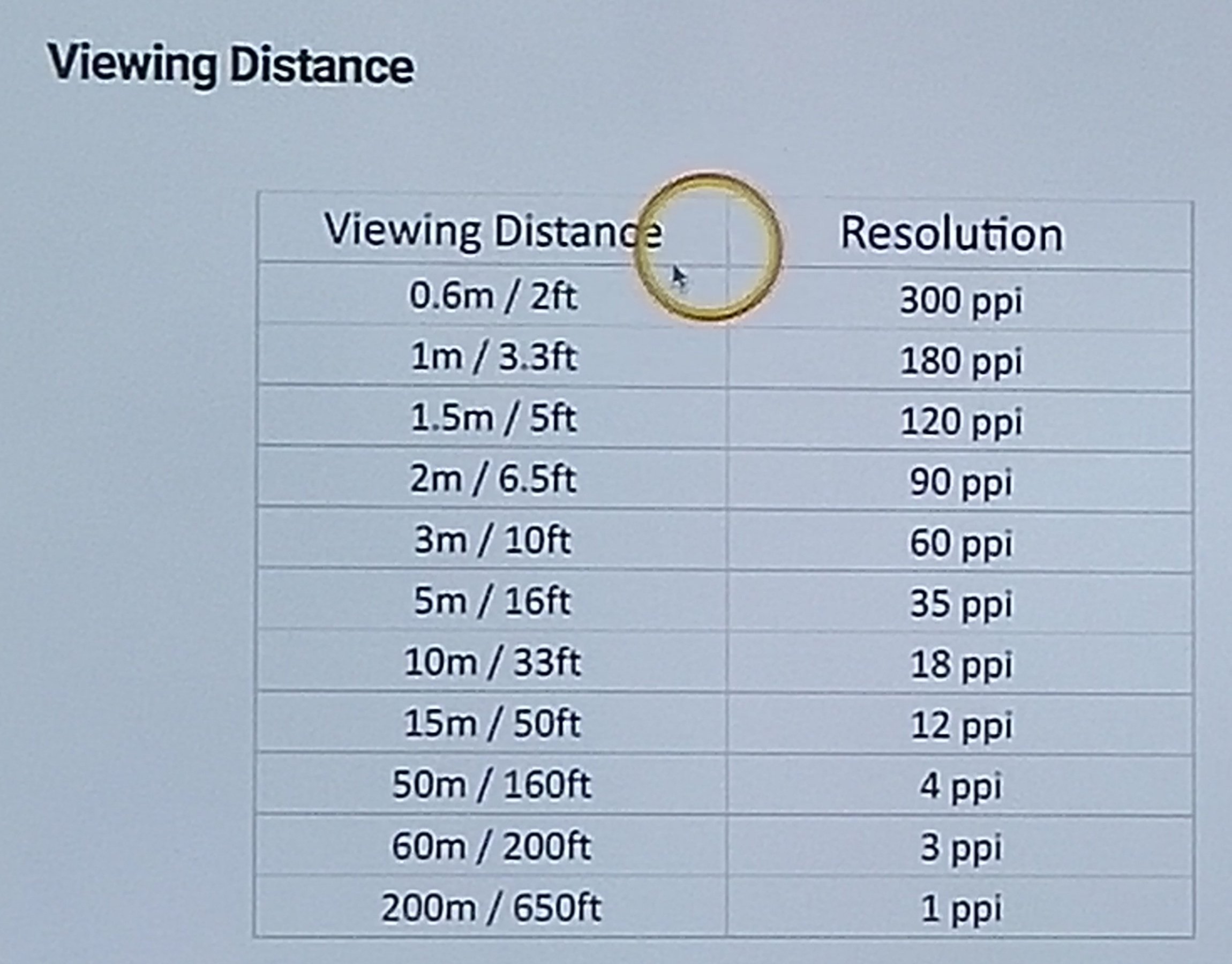
The viewing distance is how it is be effect

Leave a comment